
Adult Entertainment · Clubs
Velvet Voltage Gentlemen’s Club
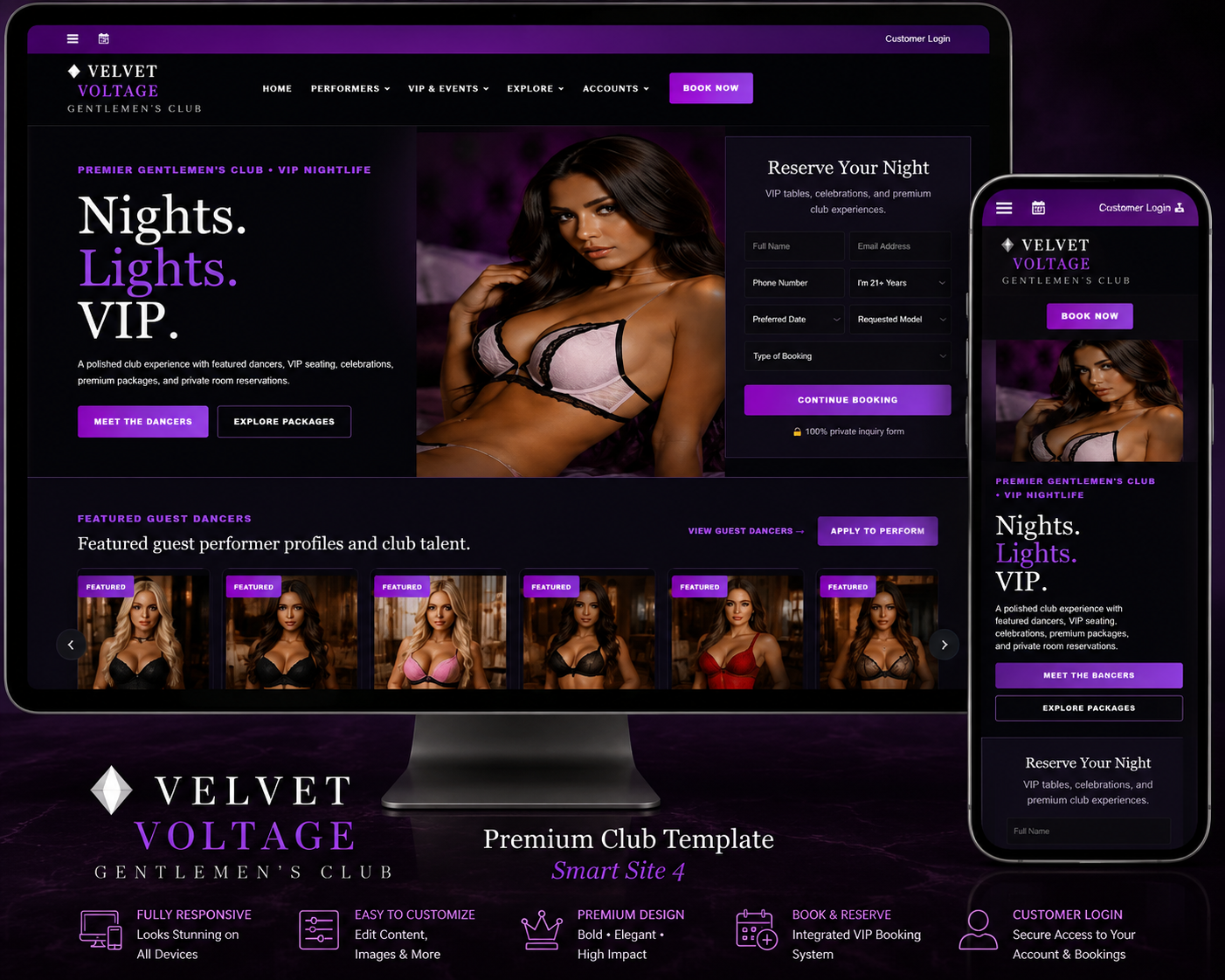
Premium Smart Site 4 gentlemen’s-club template with customer and performer accounts, permanent performer employee QR identity/status verification, online customer services and performer bar-fee payments, event-date customer QR passes, Stripe/PayPal, owner/site notifications, VIP reservations, private messaging, grouped navigation, and full frontend-to-backend page controls, with same-night immediate QR activation and overnight club-date handling Integrated club-wide POS/register revenue intelligence with sector/register mapping, Square and generic POS webhooks, manual cash entry, day/week/month/year reports, CSV export, print, and email reporting. Added administrator-only security camera integration with camera-to-sector mapping, ONVIF/RTSP source registration, secure snapshot proxy, browser stream/VMS links, encrypted camera credentials, connection health checks, and a multi-camera security wall. Added a professional Club Operations backend control center with live club-day revenue, performer/check-in status, register/camera status, recent payment/register ledgers, and reorganized operational navigation. Refined the Pages & Content backend with a clean grouped page-selector dropdown and direct frontend preview access.
Secure checkout
Customer account access
Re-download anytime
About This Website Template
Premium Smart Site 4 gentlemen’s-club template with customer and performer accounts, permanent performer employee QR identity/status verification, online customer services and performer bar-fee payments, event-date customer QR passes, Stripe/PayPal, owner/site notifications, VIP reservations, private messaging, grouped navigation, and full frontend-to-backend page controls, with same-night immediate QR activation and overnight club-date handling Integrated club-wide POS/register revenue intelligence with sector/register mapping, Square and generic POS webhooks, manual cash entry, day/week/month/year reports, CSV export, print, and email reporting. Added administrator-only security camera integration with camera-to-sector mapping, ONVIF/RTSP source registration, secure snapshot proxy, browser stream/VMS links, encrypted camera credentials, connection health checks, and a multi-camera security wall. Added a professional Club Operations backend control center with live club-day revenue, performer/check-in status, register/camera status, recent payment/register ledgers, and reorganized operational navigation. Refined the Pages & Content backend with a clean grouped page-selector dropdown and direct frontend preview access.
What the customer receivesA complete downloadable website template package intended for installation on the customer’s own hosting account. The purchase remains available in the Smart Site 4 customer account for later re-download.
How It Works
- The customer reviews the product page, screenshots, compatibility details, and live demo.
- The customer completes checkout using the existing Smart Site 4 payment system.
- After successful payment, the template appears in the customer account download area.
- The customer downloads the complete template ZIP and follows the included installation instructions.
- The customer uploads the website files to their hosting account, runs the included installer when required, and signs in to the template’s administration panel.
- The customer replaces demo content, images, contact information, payment details, and business settings with their own information.
Installation Guide
- Purchase the template and sign in to the customer account used for the order.
- Open the customer download area and download the template ZIP to a computer.
- Create a full backup of the target website and database before replacing any existing files.
- Open the hosting File Manager or FTP account and upload the template ZIP into the intended website folder.
- Extract the ZIP. Confirm that the main website files are in the correct folder and not inside an unnecessary extra directory.
- Create or select the required database if the template uses MySQL, then update the included configuration details as documented.
- Open the template’s installation page, usually
install.php, and complete the setup steps. - Sign in to the template administration panel and immediately change the default password.
- Replace demo text, images, contact information, email addresses, payment keys, and business details.
- Test navigation, forms, customer accounts, checkout, email, uploads, and mobile responsiveness before launching.
- Remove or protect the installer after setup when the included documentation instructs you to do so.
ImportantWebsite hosting, a domain, SSL, PHP, database access, payment accounts, API keys, email delivery, and third-party services are normally supplied by the purchaser unless the product description states otherwise.
Included Benefits
Complete website files
Receive the frontend, backend, assets, configuration structure, and included documentation.
Live demo preview
Review the template’s appearance and primary workflow before purchasing.
Administration panel
Manage supported content, images, products, listings, services, or settings from the backend.
Responsive design
Designed to adapt across desktop, tablet, and mobile screen sizes.
Customer account delivery
The purchased ZIP is delivered through the customer’s Smart Site 4 account.
Repeat downloads
The customer can return to the purchase history and download the template again later.
Requirements and Customer Responsibilities
- A compatible web hosting account with PHP and the database technology listed for the template.
- A domain or subdomain and a valid SSL certificate for secure customer and payment pages.
- Permission to upload files, create folders, set file permissions, and create or import a database.
- Separate accounts and credentials for Stripe, PayPal, email delivery, maps, AI, social platforms, or other third-party integrations when used.
- Replacement of all demo content, placeholder images, sample listings, contact details, and test credentials.
- Regular backups, software updates, security monitoring, privacy policies, terms, and legal compliance.
Frequently Asked Questions
Is this a hosted website service?
No. This is a downloadable website template. The purchaser installs it on their own compatible hosting account unless the listing specifically says hosting is included.
Do I receive the same website shown in the demo?
You receive the template structure and included files. Demo content may be included for presentation, but it should be replaced with the purchaser’s real business information and properly licensed media.
Where do I download the template after purchase?
After successful payment, the template appears in the customer account download area and remains available for re-download.
Does the purchase include a domain or hosting?
No, unless the product description explicitly states otherwise. Domains, hosting, SSL, email, and third-party services are normally purchased separately.
Are Stripe or PayPal credentials included?
No. The purchaser must use their own payment account and keys. Never use demo or another person’s private payment credentials.
Can the template be customized?
Yes. Supported content can be managed through the included backend, and developers may further modify the code. Custom development is separate unless specifically included.
What should I do before installing over an existing website?
Create complete file and database backups. A fresh folder or staging site is strongly recommended for testing before replacing a live website.
What if the template does not install?
Confirm the PHP version, required extensions, database credentials, file locations, permissions, upload limits, and package instructions. Use the documentation and contact support with the exact error message and screenshots.
Troubleshooting
- Blank or 500 page: Check the PHP error log, PHP version, required extensions, and configuration paths.
- Database connection error: Verify database name, username, password, host, and imported tables.
- CSS or images missing: Confirm the files were extracted into the correct folder and URL paths match the installation location.
- Uploads fail: Check folder permissions, PHP upload limits, file-size limits, and allowed file types.
- Checkout fails: Verify live or test payment keys, webhook URLs, SSL, currency, and payment settings.
- Email is not delivered: Configure authenticated SMTP or the documented mail service and test the sending address.
Related Website Templates